Schedule Sessions Speakers Venue Your Custom Pickleball Paddle View Photos
4th Annual — Free to Attend

BostonSWUG Summer Festival

Date Friday, June 26, 2026
Time 12:00 – 6:00 PM
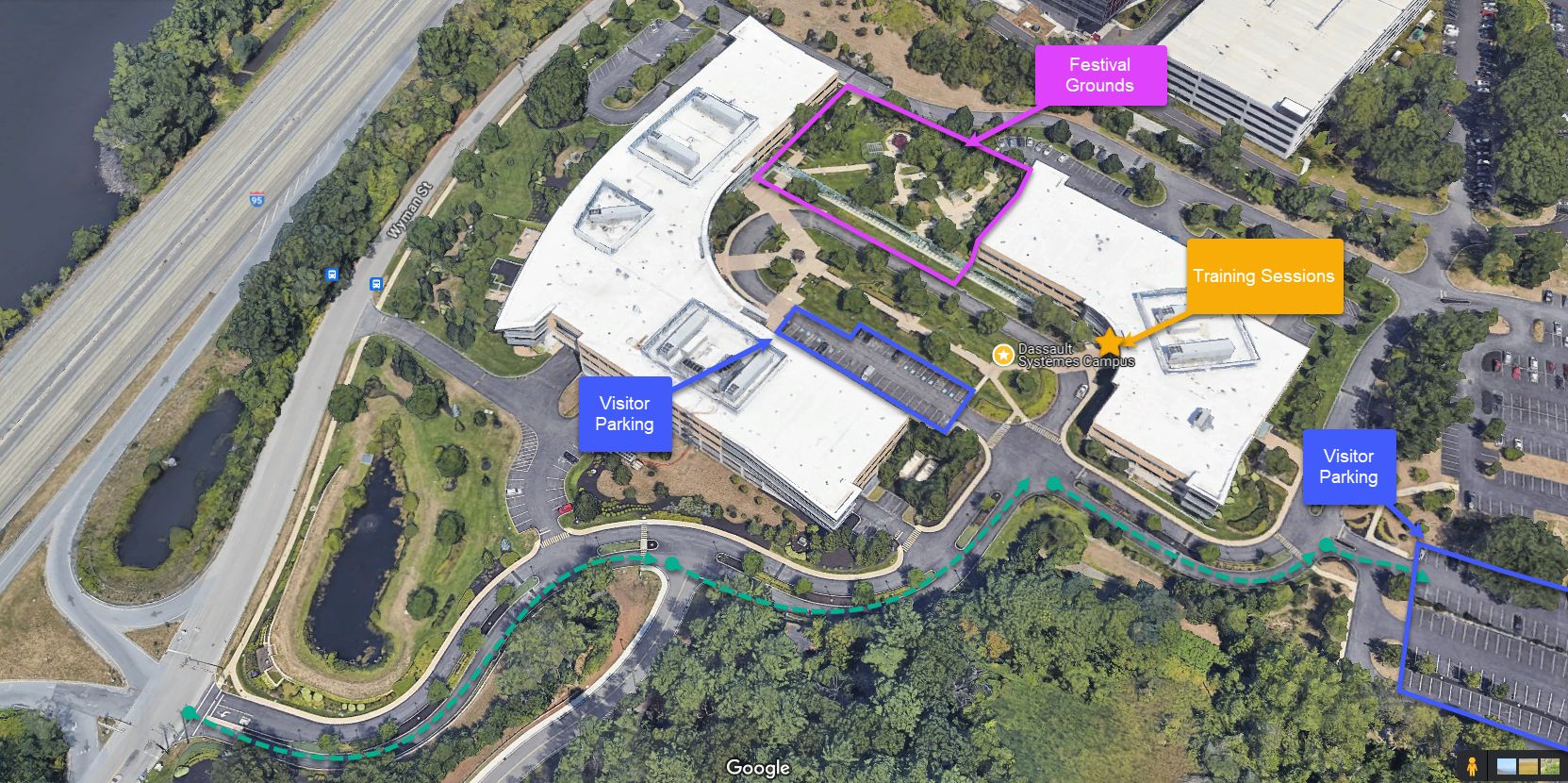
Location Dassault Systèmes HQ, 185 Wyman St, Waltham, MA
RSVP — It's Free → View Sessions
Scroll
About the Festival

Engineering community meets summer celebration

The BostonSWUG Festival began in 2023 as a celebration of community and engineering craft. What started as a party has grown into the region's premier free half-day event for SolidWorks engineers, designers, and power users.

This year's 4th Annual edition brings a sharpened focus on AI in engineering — with a dedicated panel, hands-on labs, and practical sessions on the tools reshaping how we design. No cost, no catch. Just a great afternoon with your people.
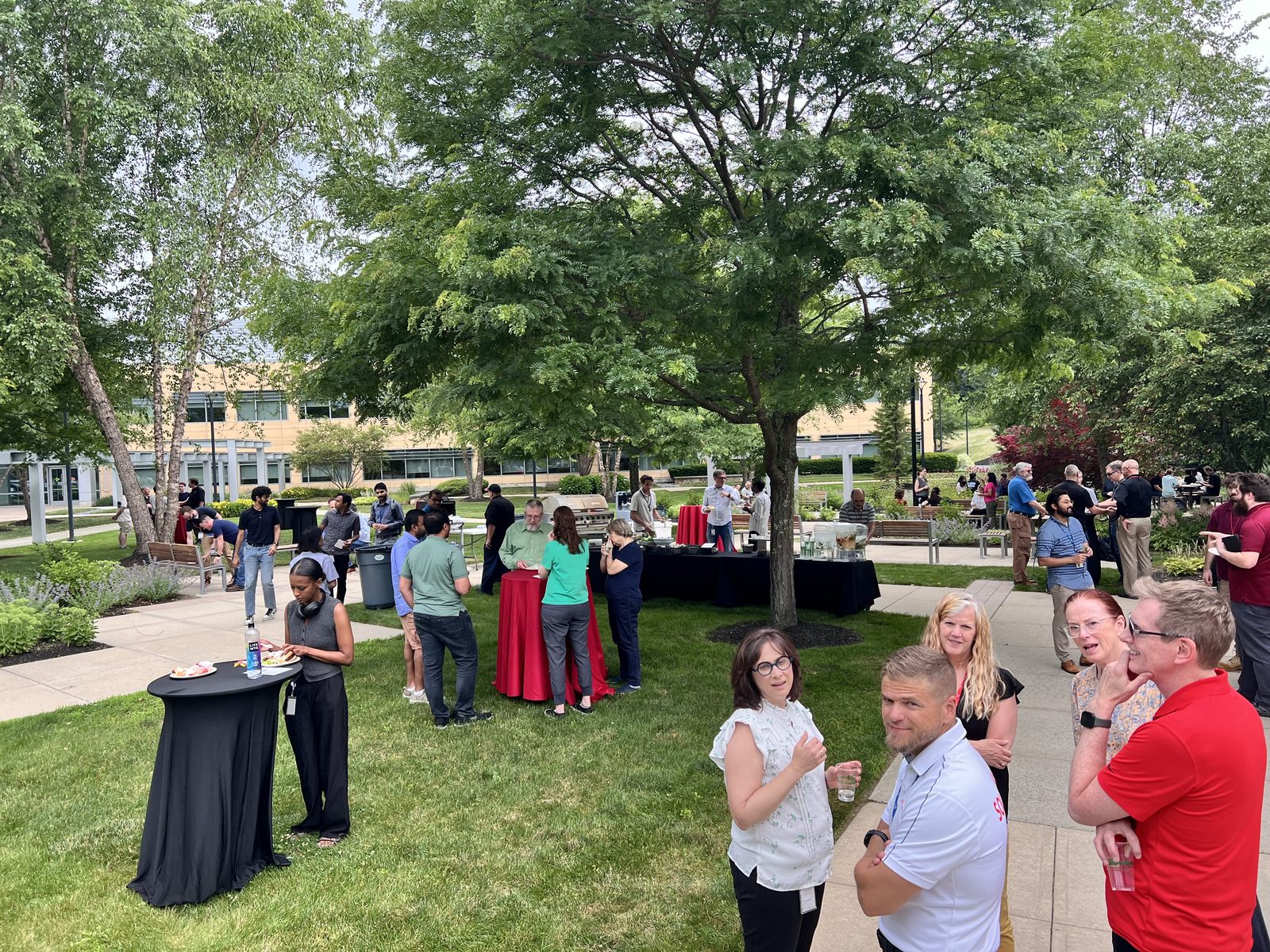
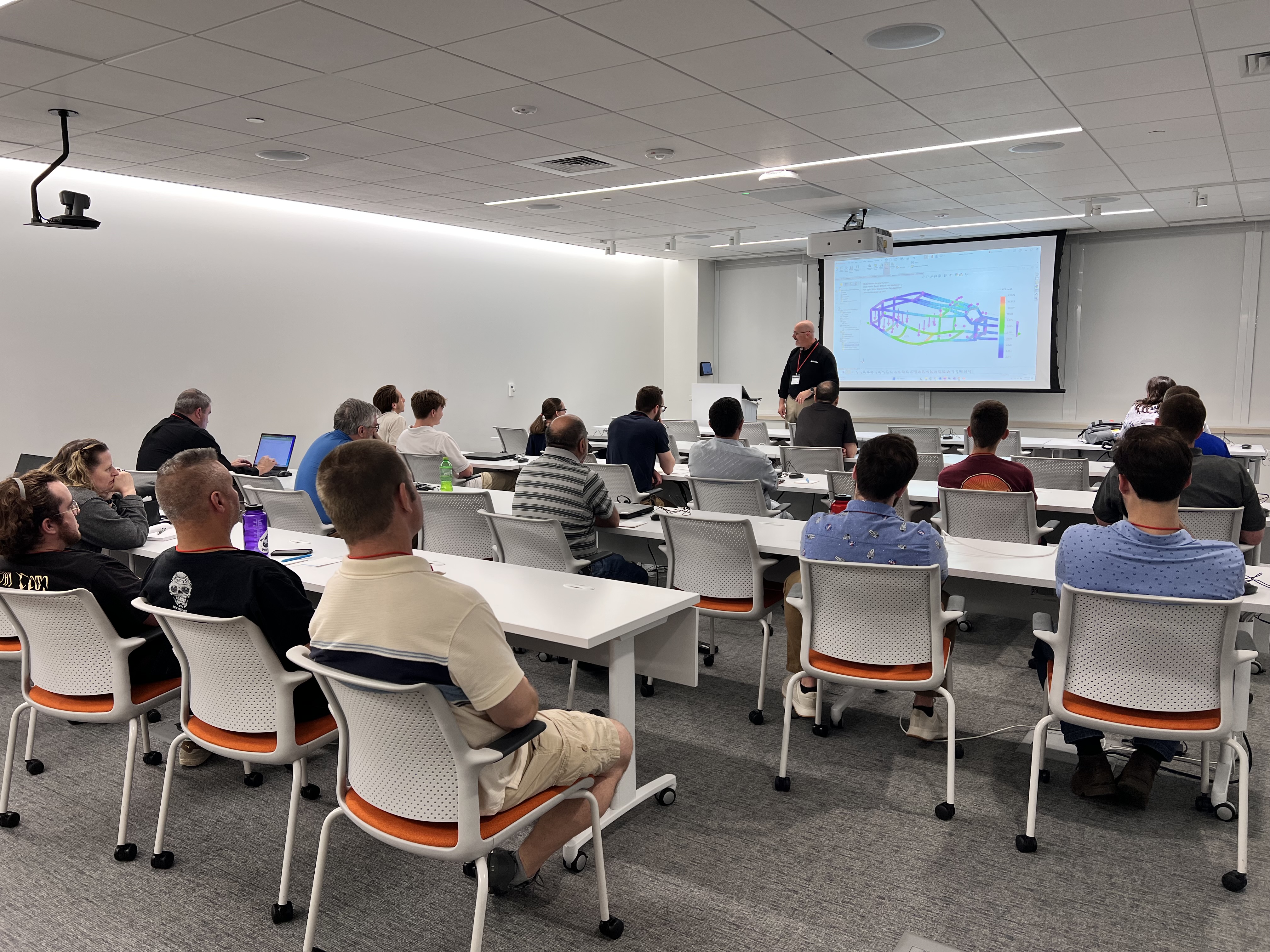
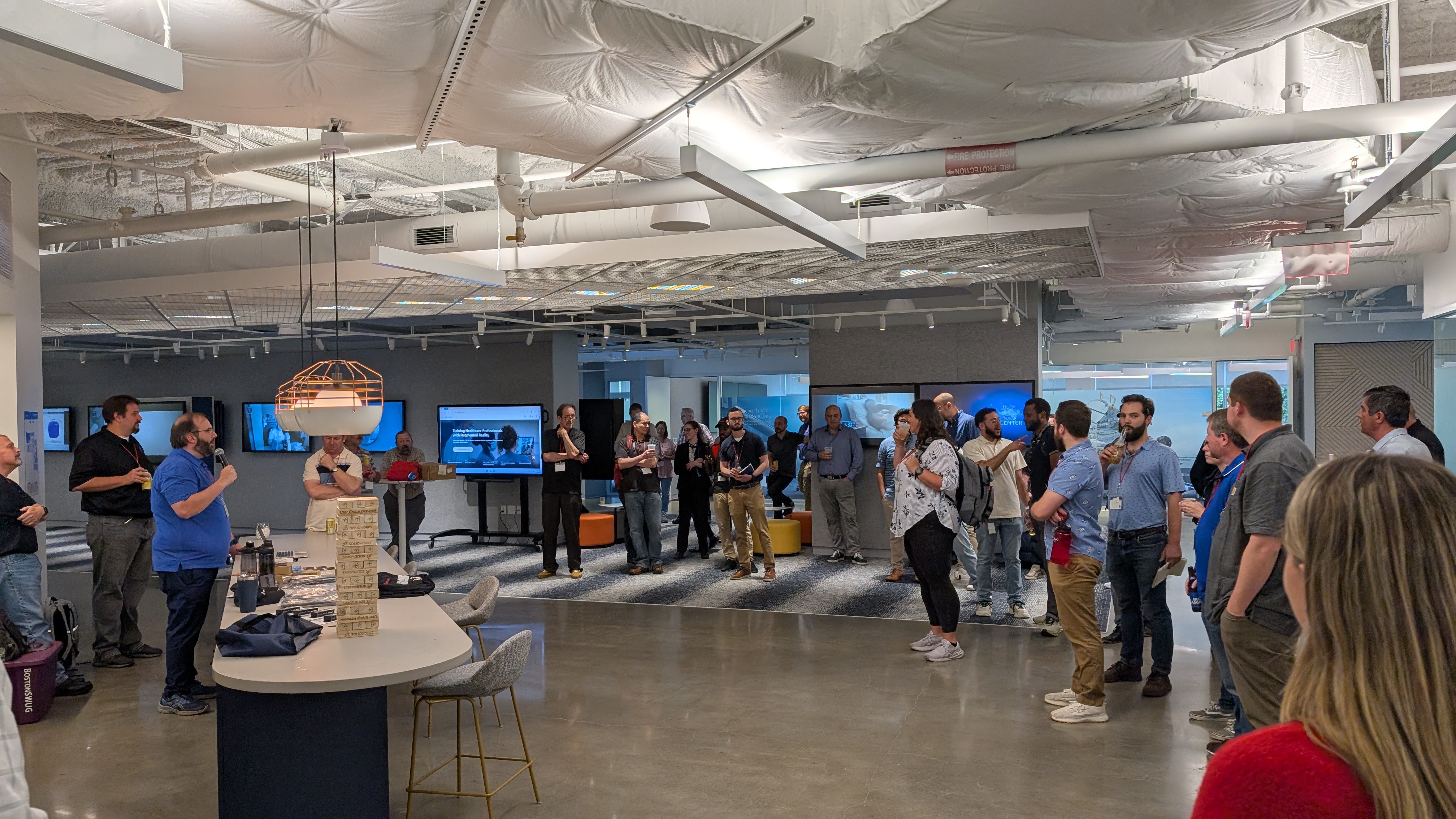
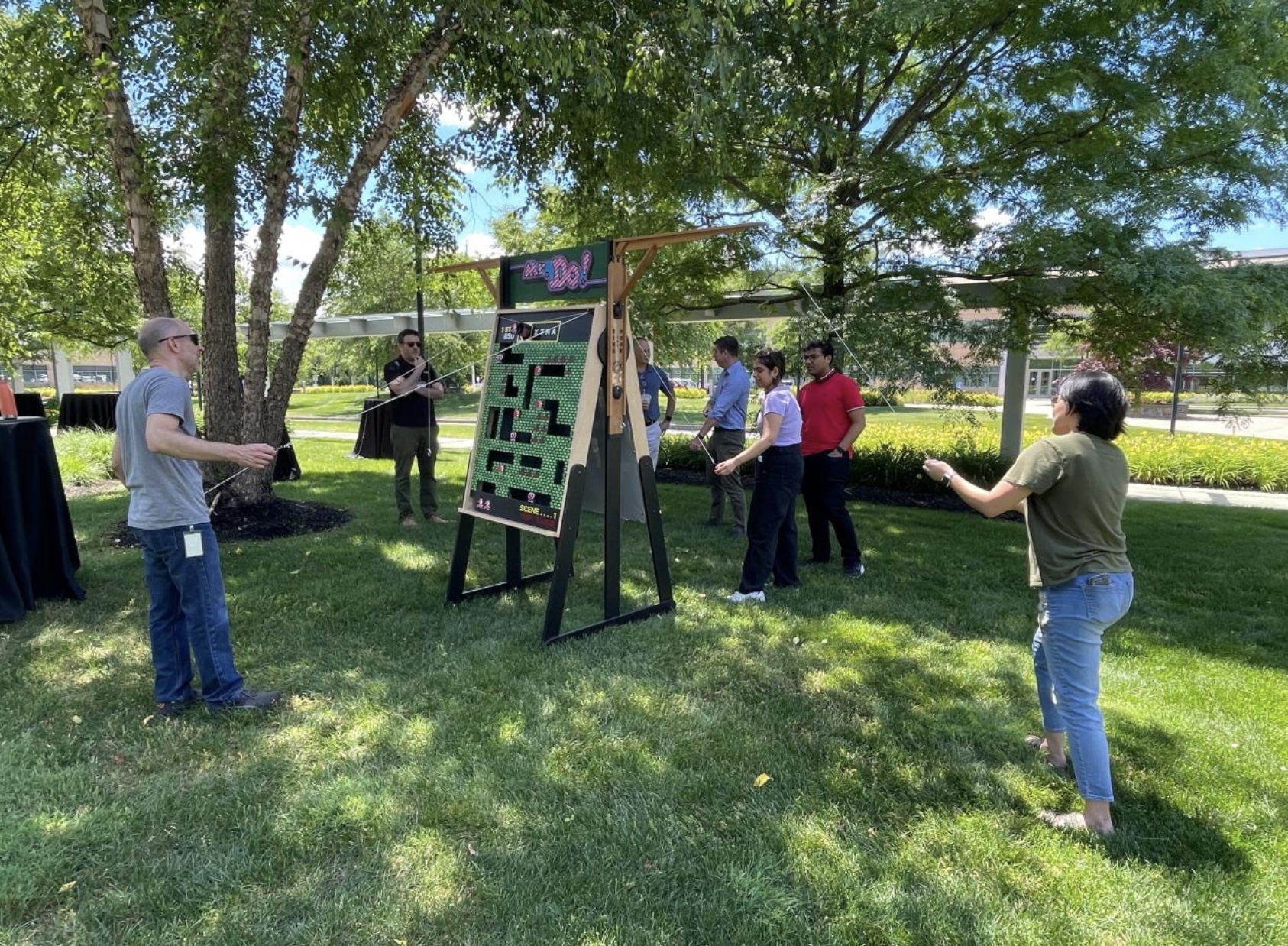
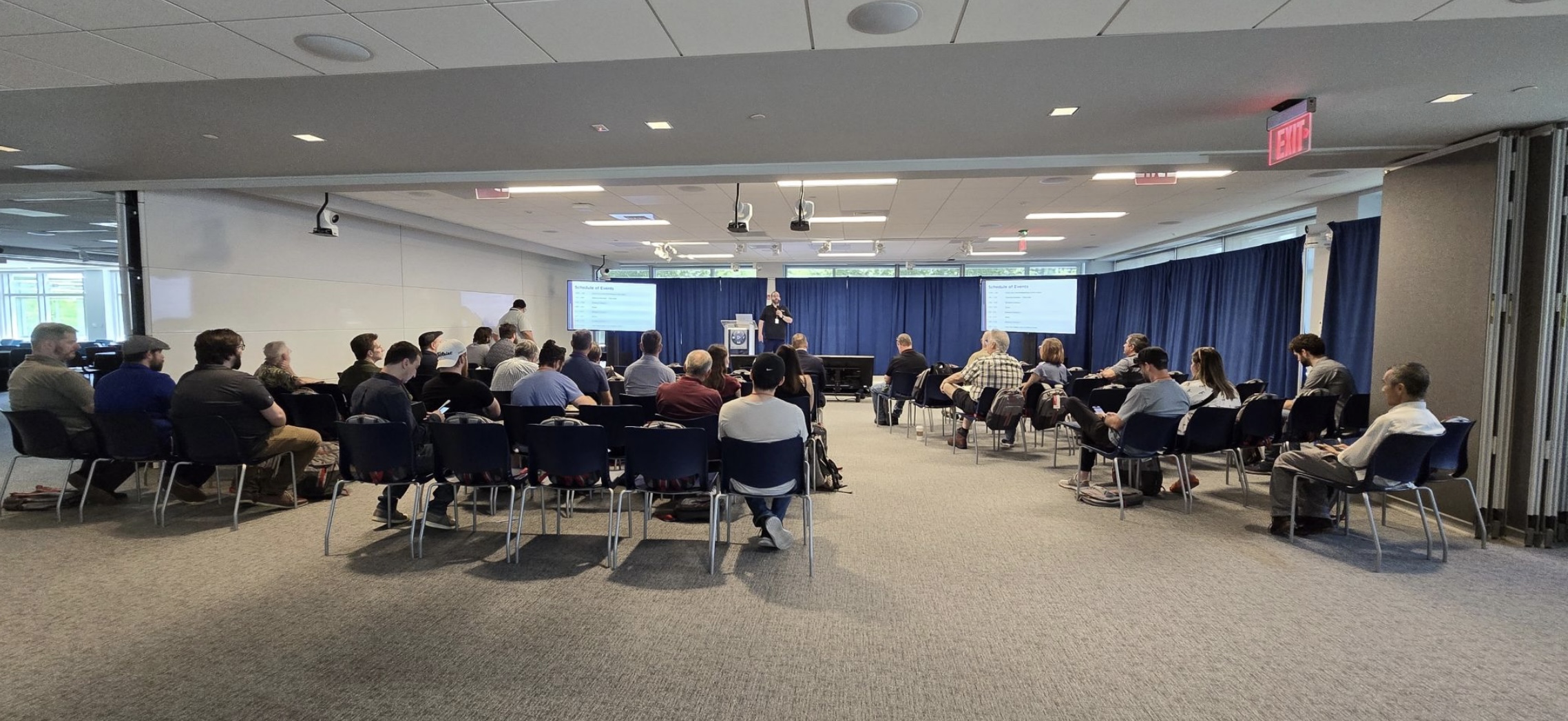
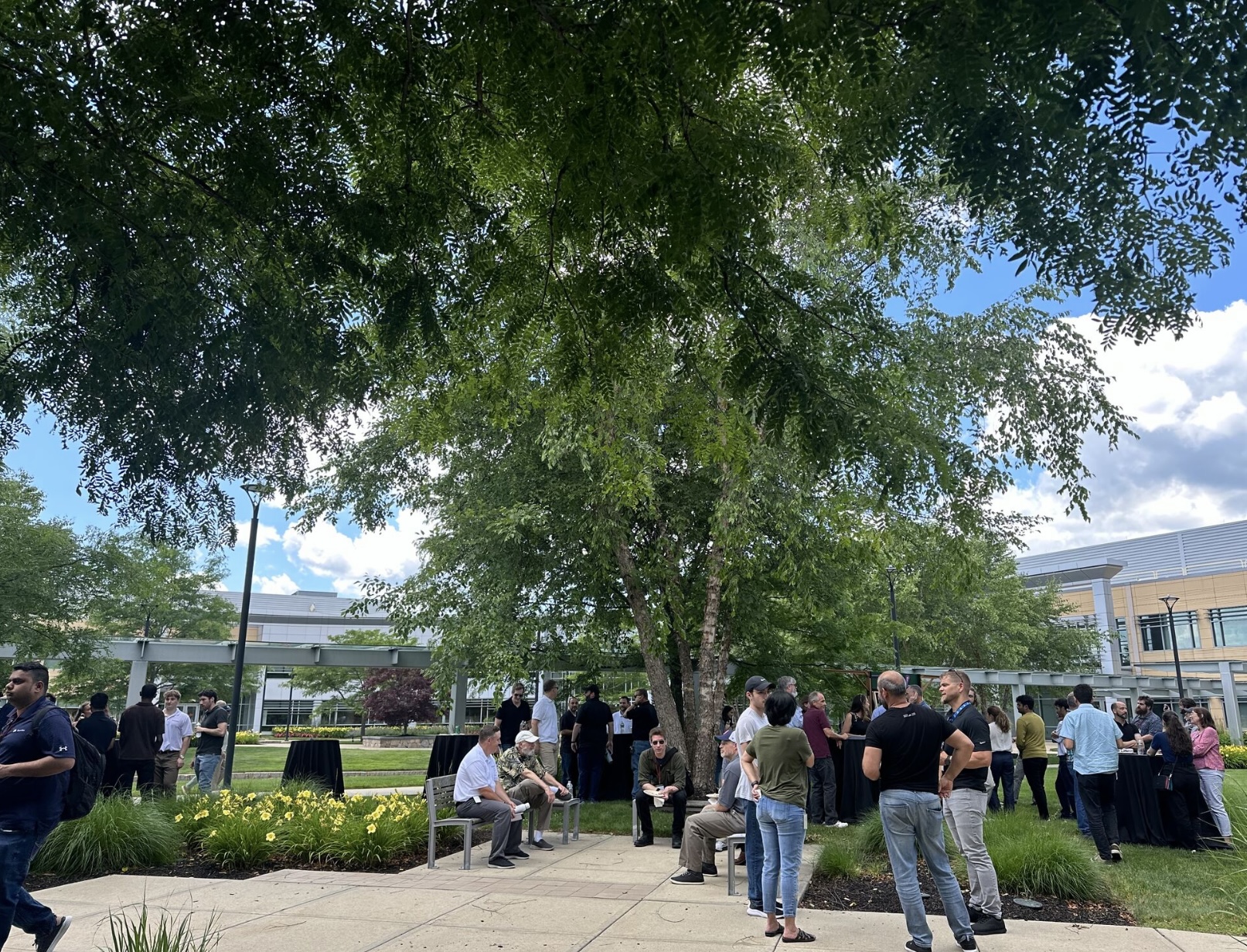
Photos from previous BostonSWUG Summer Festivals
4th
Annual festival
76+
Attendees last year
Free
Always free, including lunch, training, and raffles
8+
Expert sessions
Schedule

The day at a glance

Two rounds of breakout sessions across four rooms, plus lunch, a panel, hands-on FAB Lab access, and a closing celebration.

1:45
PM
Opening
Welcome Remarks
Dan Herzberg — BostonSWUG
2:50
PM
Break
Snack Break
5:00
PM
Social & Closing
Cocktail Hour, Raffle Prizes & Closing Remarks
Drinks and networking hosted by Dassault Systèmes, raffle prizes, announcements, and wrapping up the summer's best afternoon.
EBC Central
Sessions

What you'll learn

Confirmed sessions below. More being added — check back soon.

Breakout Round 1 · 2:00 PM — 2:50 PM
Choose Your Track
Product Demo · Bananaz.ai
Practical AI for the Modern SolidWorks Designer
Austin Etter
Live demos of DFM checks, cost-reduction analysis, drawing review checklists, async design reviews, and visual comparison for design change validation.
AI & Automation DFM Live Demo

A live demo-heavy session showcasing how Bananaz.ai fits into the SolidWorks workflow today. Austin will walk through: automated DFM checks, 3D cost-reduction analysis, intelligent drawing review checklists, async 2D/3D design reviews, and visual comparison for design change validation. No slides — just running the tools in real time.

EBC 130A · 28 cap

Austin is an AI Software Consultant at Bananaz.ai who works with engineering teams to integrate AI tooling into SolidWorks-based design and review workflows.

Session · TriMech
Trust The Pretty Pictures: Simulation Tips & Troubleshooting
Core setup decisions that separate "it solved" from "I trust it" — meshing, fixturing, loading, and part interactions.
Simulation Live Demo

A lot of users know how to set up a study and hit run. The harder part is knowing if the results actually make sense. This session focuses on the core setup decisions that separate "it solved" from "I trust it."

We'll walk through the areas that have the biggest impact on accuracy — meshing, fixturing, loading, and part interactions. Along the way, we'll look at how small setup choices can dramatically change results. You'll leave with practical checks and quick workflows you can use right away to clean up your models, avoid common pitfalls, and feel more confident in what your simulation is telling you.

Key topics: Mesh refinement & troubleshooting · Avoiding over-fixturing & defining part interactions · Simplifying analysis based on the design decision

EBC 130F · 24 cap

Joe is a Lead Simulation Solutions Consultant at TriMech. He works with engineering teams to choose the right tools for the job and get up to speed using them in a practical way. He spends a lot of time running workshops and seminars around best practices, along with tips and tricks that make simulation results more reliable.

Session · GoEngineer
SOLIDWORKS Sketches: Tricks, Techniques, & Things You Missed
Jay Pinheiro
Walk through sketch best practices, recommended system settings, shortcuts you've forgotten, relationship management tips, and underused sketch tools that deserve a second look.
All Levels Sketching Live Demo Best Practices

A session with something for everybody — from daily users to power modelers. Jay covers general sketch best practices, recommended system settings, built-in shortcuts you've probably forgotten, tips for managing sketch relationships effectively, and overlooked sketch tools — the "Island of Misfit Toys" features that deserve your attention.

EBC 130I · 26 cap

Jay is an Application Engineer at GoEngineer, a leading SolidWorks Value Added Reseller. He brings practical, day-to-day SolidWorks expertise and a knack for surfacing the features most users overlook.

Hands-On · SOLIDWORKS
Build Your Own Pickleball Paddle
Design and build a custom pickleball paddle in the Dassault Systèmes FAB Lab — create your own laser-engraved or vinyl-cut decoration, assemble it handle-to-head, then head outside to play.
Hands-On FAB Lab All Levels

Start with a demo and design overview of the paddle in SOLIDWORKS, then get creative — sketch or model your own custom decoration to be laser engraved or vinyl cut onto your paddle. You'll assemble all the parts (grip tape included) and finish the session by heading outside for a game of pickleball with your new paddle in hand.

Pre-made paddles will be available on the pickleball court during the festival so you can try the game before (or instead of) the workshop. Runs twice — once each breakout round — so you don't have to miss other sessions to join.

Chinloo Lama and Sal Lama run the FAB Lab at Dassault Systèmes in Waltham — the hands-on space where projects like Magic Wheelchairs and life-size dinosaurs go from concept to reality.

Download the paddle's STEP/DXF files and design your decoration in advance — Pickleball Paddle Files & Workshop Details →

Breakout Round 2 · 3:10 PM — 4:00 PM
Choose Your Track
Session · TriMech
From Tool to Teammate: Meet the AI Inside SOLIDWORKS
Discover how AI is embedded in SOLIDWORKS to help you make smarter decisions at every stage of your design process — covering what's available today and a preview of powerful innovations on the horizon.
AI & Automation

In this session, we'll discover how AI is embedded in SOLIDWORKS to help you make smarter decisions in your design process. We'll explore capabilities available today, along with a preview of powerful upcoming innovations. Dassault has introduced new AI-driven virtual companions that can advise, analyze, and execute workflows throughout your design process.

AI & Automation EBC 130F · 24 cap

Joe is a Solutions Consultant at TriMech with over 12 years of experience in the design engineering industry. He has been using SOLIDWORKS since 2010 and specializes in SOLIDWORKS 3D CAD and PDM. He brings a practitioner's perspective to data management — he was a TriMech customer before joining the team.

Technical Talk · ICU Medical
Consistency by Design: Best Practices for Regulated Environments
Stephanie Hayna
Best practices for regulated environments — repeatable validated design processes, compliance-ready workflows, and standardization across medtech engineering teams.
Medtech Best Practices Compliance

Medical device manufacturing demands precision, standardization, and seamless cross-functional collaboration. This session explores proven SOLIDWORKS best practices and workflows used in the medtech industry to streamline product development and ensure compliance with strict regulatory standards.

Attendees will learn how to build repeatable, validated design processes covering techniques to work and study components, drawings, part details and more. We’ll look at techniques to drive consistency across engineering teams.

Drawing from five years of hands-on experience in regulated product design, this session demonstrates tools that can improve standardization, accelerate design reviews, improve communication, and enhance regulatory readiness, giving you methods to be consistent by design.

EBC 130I · 26 cap

Stephanie is a seasoned design engineer with over 10 years of experience in medical device development and consumer product innovation. She currently works at ICU Medical, where she leads the certification and verification of subcutaneous infusion sets and hypodermic needle technologies.

Beyond her professional role, Stephanie leads the SOLIDWORKS User Group of NYC, organizing community events and technical workshops. Passionate about the intersection of CAD and practical design, she continually explores new ways to improve engineering workflows. In her spare time, she enjoys creating personal 3D printing projects and promoting hands-on learning within the design community.

Technical Talk · Visiativ
Managing SOLIDWORKS Data in the Cloud
Earl Hasz
A practical look at how SOLIDWORKS data storage is evolving in cloud environments — covering strategies, tools, and real-world implications for engineering teams.
Data Management Cloud PDM

How do you manage SOLIDWORKS data when your team, suppliers, and stakeholders need access from different locations? This presentation explores the cloud-based data management tools included with SOLIDWORKS and demonstrates how teams can securely store, organize, share, review, revise, and release design data. Through a practical workflow demonstration, you'll see how both CAD and non-CAD users can collaborate on projects while maintaining revision control and data integrity. Ideal for SOLIDWORKS users who want to better understand modern cloud-based collaboration and data management.

EBC 130F · 24 cap

Earl is Technical Director at Visiativ Solutions Inc, focused on delivering innovative solutions across the SOLIDWORKS ecosystem. Prior to Visiativ, he spent 22 years at SOLIDWORKS and Dassault Systèmes in roles spanning product management, technical leadership, and customer success. Earl brings deep expertise in CAD, PDM, and PLM, helping engineering teams drive digital transformation and efficiency.

Hands-On · Dassault Systèmes
Build Your Own Pickleball Paddle
Design and build a custom pickleball paddle in the Dassault Systèmes FAB Lab — create your own laser-engraved or vinyl-cut decoration, assemble it handle-to-head, then head outside to play.
Hands-On FAB Lab All Levels

Start with a demo and design overview of the paddle in SOLIDWORKS, then get creative — sketch or model your own custom decoration to be laser engraved or vinyl cut onto your paddle. You'll assemble all the parts (grip tape included) and finish the session by heading outside for a game of pickleball with your new paddle in hand.

Pre-made paddles will be available on the pickleball court during the festival so you can try the game before (or instead of) the workshop. Runs twice — once each breakout round — so you don't have to miss other sessions to join.

Chinloo Lama and Sal Lama run the FAB Lab at Dassault Systèmes in Waltham — the hands-on space where projects like Magic Wheelchairs and life-size dinosaurs go from concept to reality.

Download the paddle's STEP/DXF files and design your decoration in advance — Pickleball Paddle Files & Workshop Details →

Panel Discussion · 4:00 PM — 5:00 PM
Speakers

Who you'll hear from

Confirmed speakers so far. More being added as the agenda comes together.
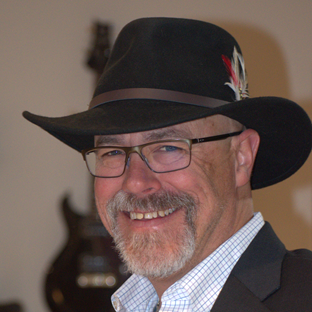
Austin Etter
Austin Etter
AI Software Consultant
Bananaz.ai
Demo
Earl Hasz
Earl Hasz
Technical Director
Visiativ
Cloud DataPDM
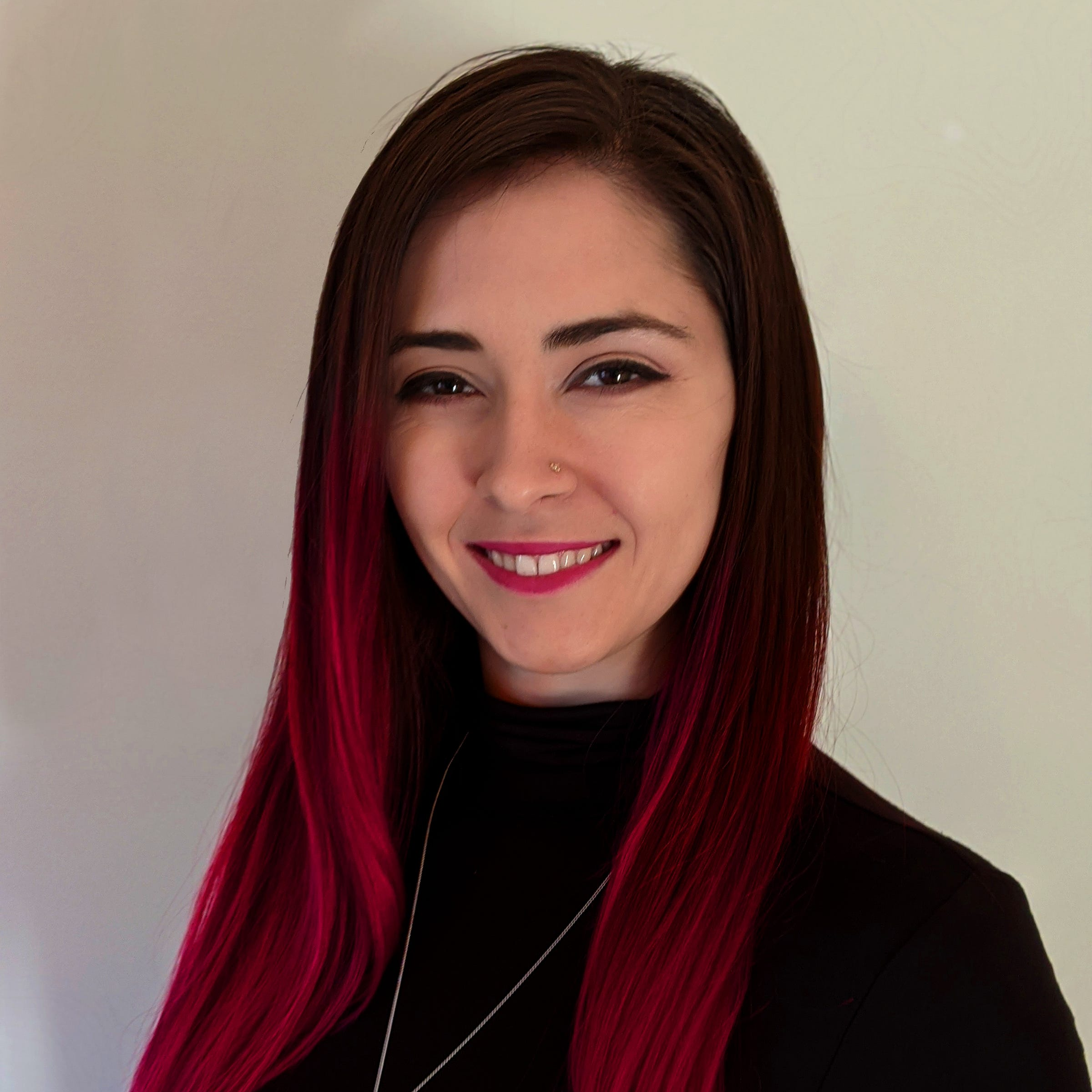
Stephanie Hayna
Stephanie Hayna
Design Engineer
ICU Medical | SWUG NYC
MedtechBest Practices
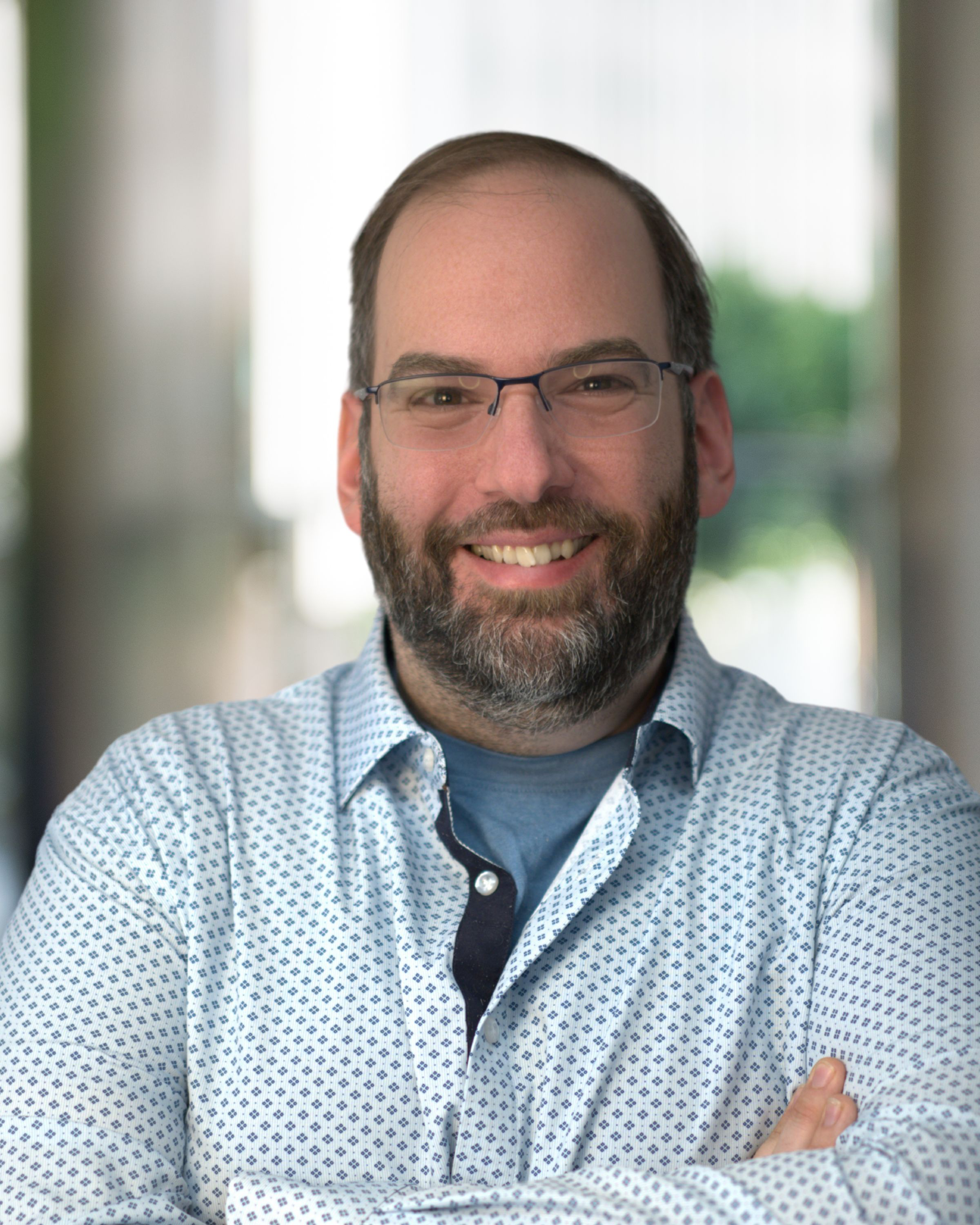
Dan Herzberg
Dan Herzberg
Organizer
BostonSWUG
Welcome
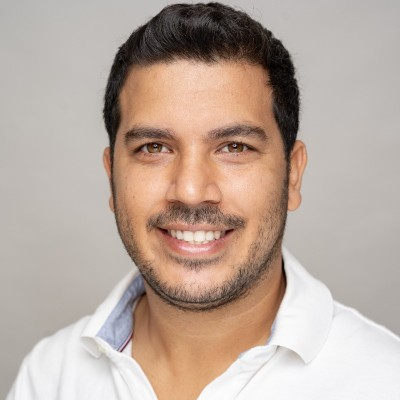
Or Israel
Or Israel
CEO
Bananaz.ai
AI Panel
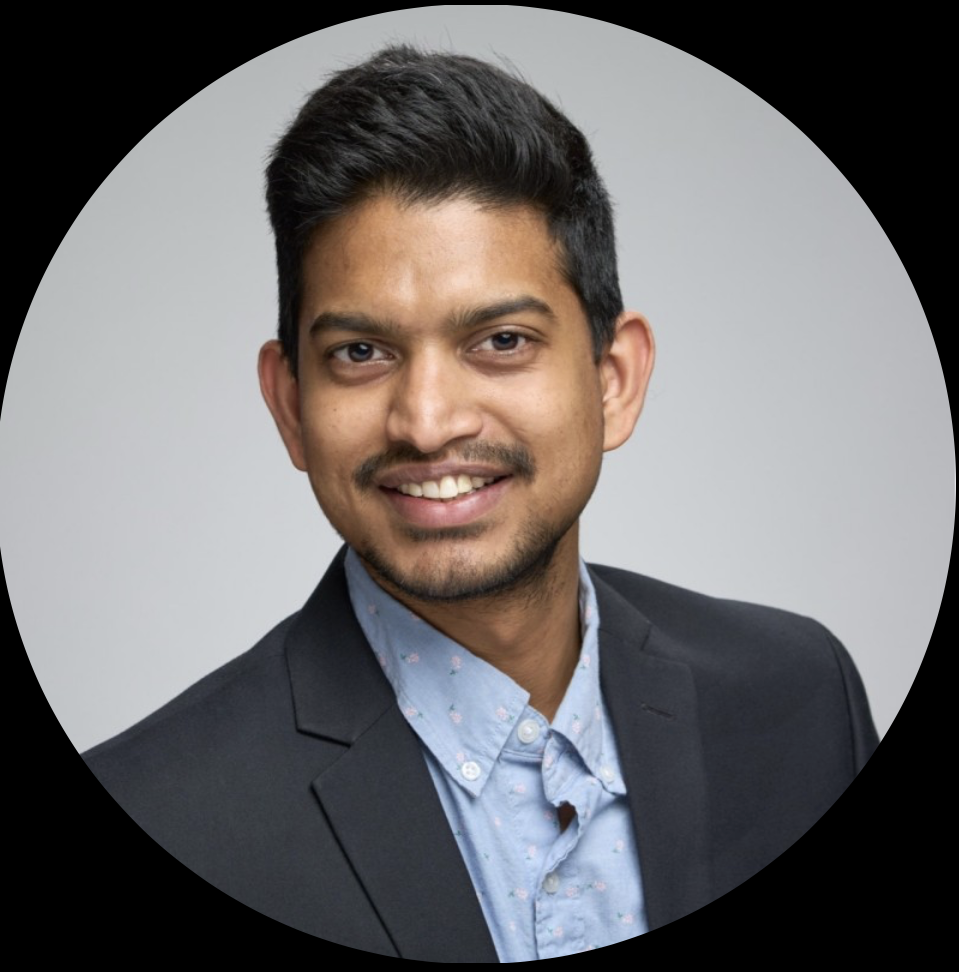
Suchit Jain
Suchit Jain
VP of Strategy & Business Development
AI Panel
Chinloo Lama
Chinloo Lama
FAB Lab
Dassault Systèmes
Hands-on
Sal Lama
Sal Lama
FAB Lab
Dassault Systèmes
Hands-on
Joe Lance
Joe Lance
SolidWorks Champion of the Year
Principal Mechanical Technologist [ret.]
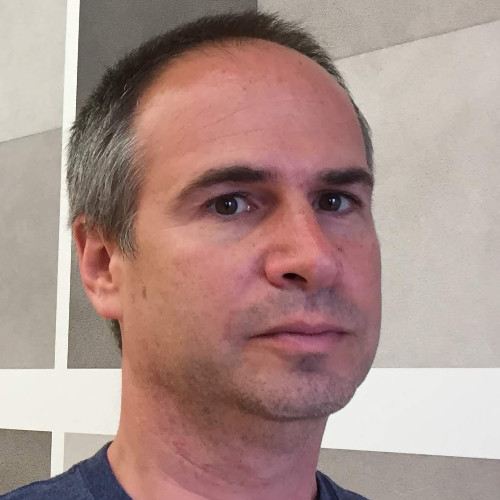
Haliburton | Houston SWUG
AI Panel
Oded Maron
Oded Maron
Head of AI
MassRobotics
AI Panel
Joe McDonough
Joe McDonough
Simulation Specialist
TriMech
Simulation
Kishore Pagidi
Kishore Pagidi
AI Product Manager
SOLIDWORKS
AI Panel
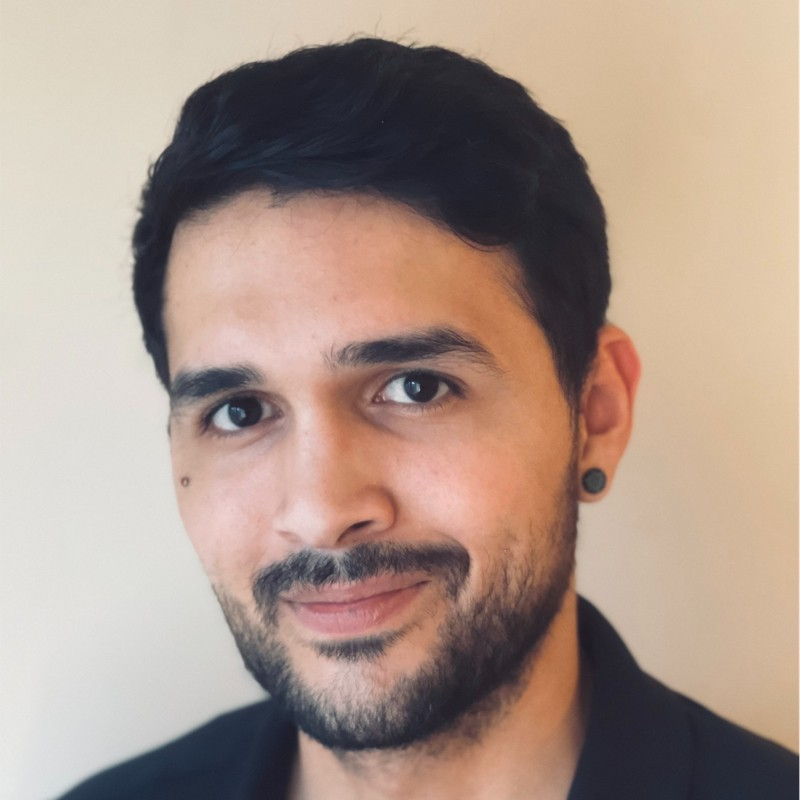
Joe Perera
Joe Perera
Solutions Consultant
TriMech
Demo
Jay Pinheiro
Jay Pinheiro
Application Engineer
GoEngineer
SketchingBest Practices
More speakers being confirmed
Check back soon
Advertisement
Venue

Dassault Systèmes Waltham

📍
Address
185 Wyman St
Waltham, MA 02451
Executive Briefing Center (EBC) — follow signs from main entrance
🕛
Date & Time
Friday, June 26, 2026
12:00 PM – 6:00 PM · Doors open at noon
🏛
Spaces
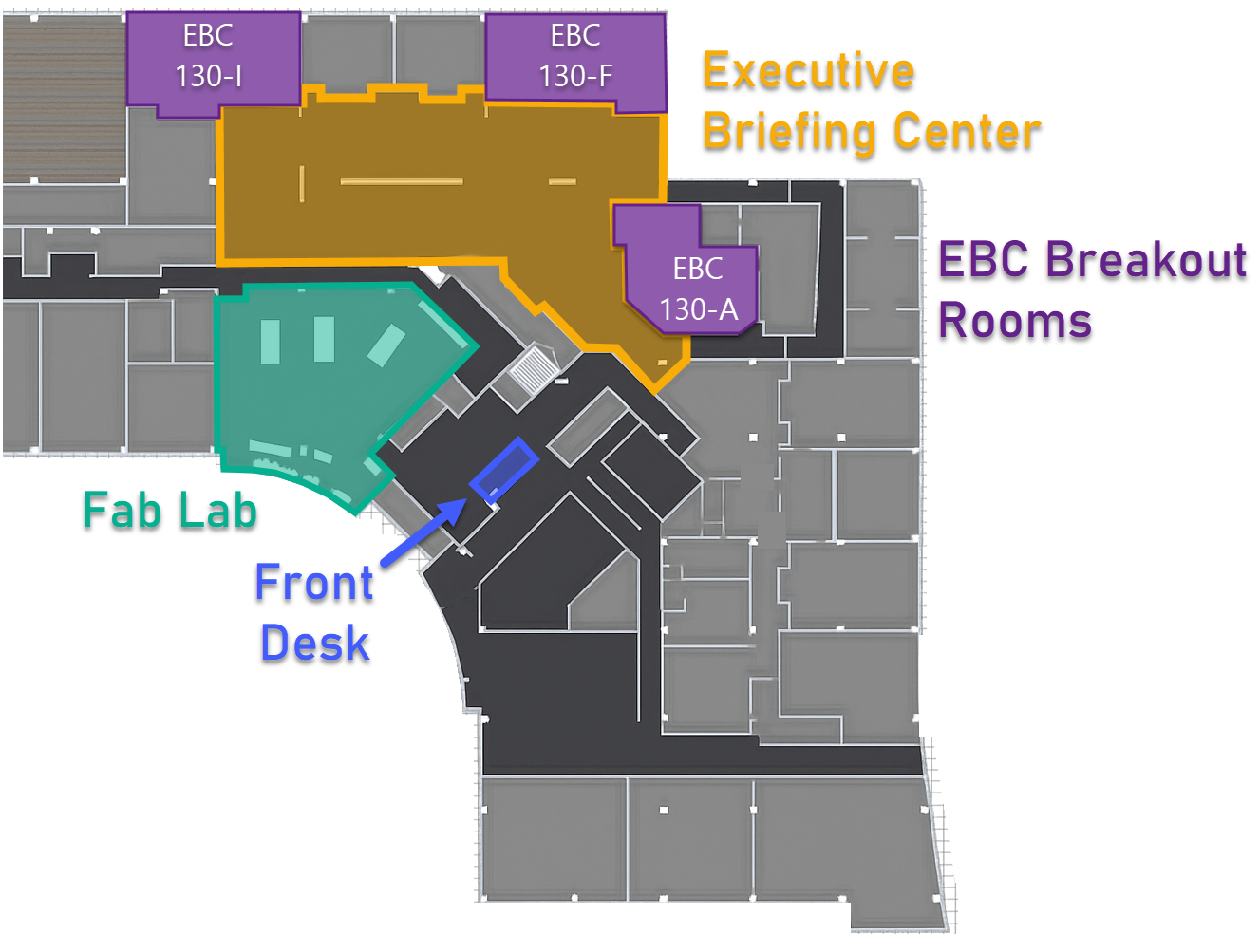
EBC + 3 Breakout Rooms + FAB Lab
EBC 130A (28 cap) · EBC 130F (24 cap) · EBC 130I (26 cap) · FAB Lab (hands-on)
🚗
Parking
Free on-site parking available
Use the main lot off Wyman St
Floor plan — EBC rooms, FAB Lab, Front Desk Outside map — Campus Green, parking, building entrance
Supported by
Interested in sponsoring? Get in touch →

Save your seat.
It's free.

Register on the SWUGN community portal. No cost, no catch.

Advertisement